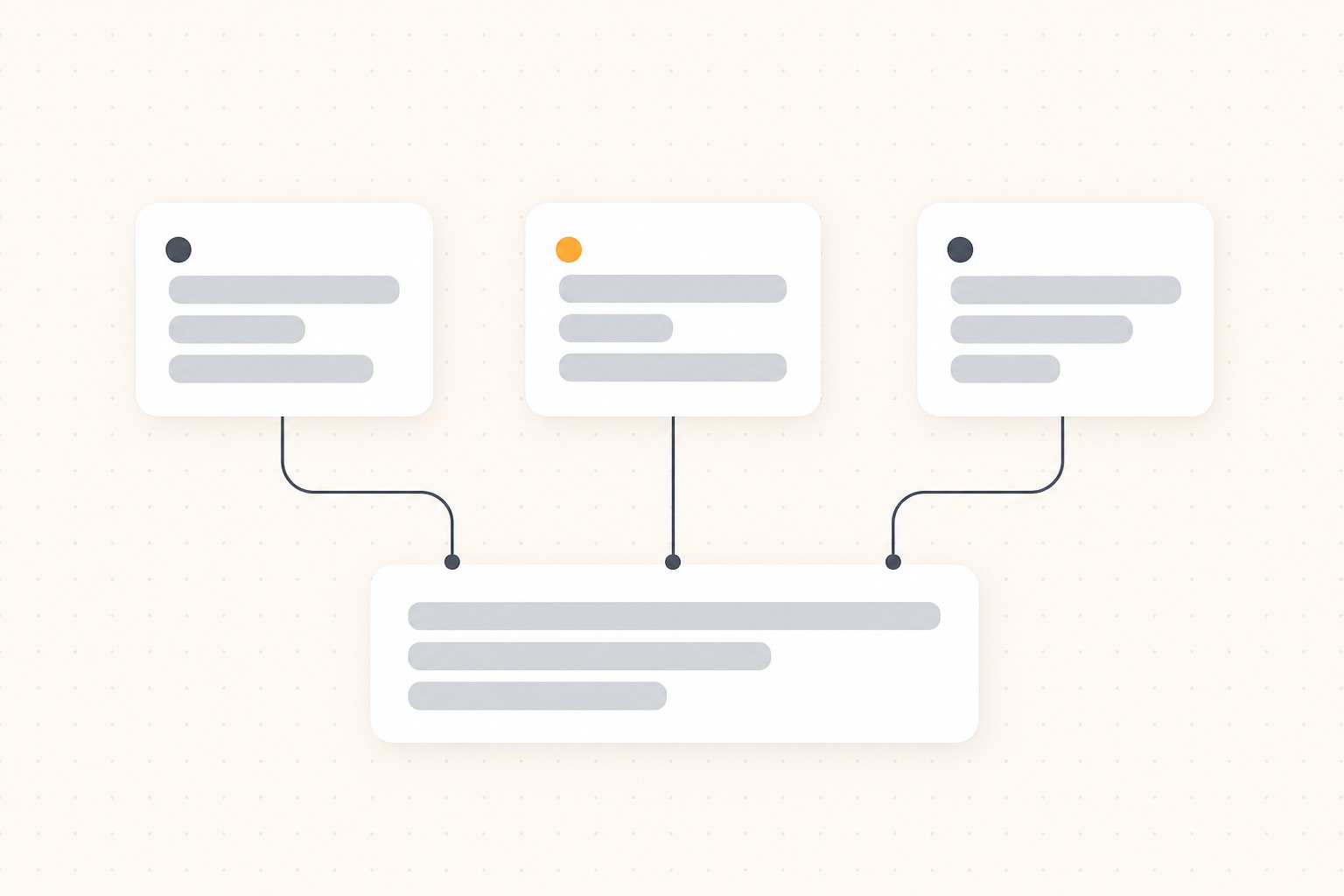
To run several Claude Code sessions in parallel on one repository, give each session its own git worktree. Start the first with claude --worktree feature-auth, the second with claude --worktree bugfix-123 in another terminal, and each works in its own folder on its own branch. They share one repository history, but they can't overwrite each other's files.
This guide covers the flag, what it creates, how to carry your .env file along, how to clean up and resume, and where worktrees stop helping. Everything here reflects Anthropic's docs as of October 2026. Some details need a recent Claude Code version, and the docs name the version where it matters.
Why parallel sessions need worktrees
Two sessions in the same folder edit the same files. One rewrites a function while the other runs the tests against it. One checks out a branch and the other's work moves under it. The result is half-applied changes that neither session understands.
A git worktree fixes this without a second clone. It is a separate working folder with its own files, its own checked-out branch and its own staging area, but it shares the repository's history and remote with your main checkout. Creating one is fast, and a commit made in one is visible to the others straight away.
One git rule shapes everything below: a branch can be checked out in only one worktree at a time. Two sessions can't both sit on main, so each session gets its own branch.
Start a session in a worktree
Pass --worktree or -w with a name:
claude --worktree feature-auth
Claude Code creates .claude/worktrees/feature-auth/ at your repository root, on a new branch called worktree-feature-auth, and starts the session in it. Run the same command with a different name in a second terminal and you have two isolated sessions. Leave the name out and Claude picks a random one.
A few things to know before the first run:
- The repository needs at least one commit for the new branch to start from.
- Interactive runs need workspace trust. If you have never run
claudein the folder, run it once there and accept the trust dialog. - Add
.claude/worktrees/to your.gitignore, so the worktree folders don't appear as untracked files in the main checkout.
You can also ask for it mid-session. Say "work in a worktree" and Claude calls its EnterWorktree tool.
Which commit does it start from?
By default a new worktree branches from the remote's default branch, usually main, so it starts clean and matches the remote. Claude Code refreshes that reference first if you haven't fetched in 24 hours.
If you want the worktree to carry your unpushed commits and current branch, set worktree.baseRef to "head" in your settings:
{
  "worktree": {
    "baseRef": "head"
  }
}
The setting takes only "fresh" (the default) or "head", not a branch name. To start from a specific branch, create the worktree with git yourself (see below).
Start from a pull request
To work on someone's pull request without touching your own checkout, pass its number. Quote it so the shell doesn't read # as a comment:
claude --worktree "#1234"
Claude Code fetches that pull request's head from origin and creates .claude/worktrees/pr-1234. A GitHub pull request URL or a GitLab merge request URL works too.
Carry your .env file into every worktree
A worktree is a fresh checkout. Files that git ignores, such as .env, .env.local and local config, are not there, and neither is node_modules. The tests fail until you fix both.
For the files, add a .worktreeinclude file at the project root. It uses .gitignore syntax:
.env
.env.local
config/secrets.json
Claude Code copies a file only if it matches a pattern and is also gitignored, so tracked files are never duplicated. The list applies to every worktree Claude Code creates with git: the ones from --worktree, subagent worktrees and the desktop app's parallel sessions.
For dependencies, tell Claude to install them in the new worktree, or put the command in your project's CLAUDE.md: "In a fresh worktree, run pnpm install first." Each worktree then has its own node_modules, which costs disk space but keeps the sessions independent.
What stays shared
A worktree isolates files and branches. Some things are shared on purpose:
- The
.gitfolder. Commits, branches and stashes made in one worktree show up in all of them.git commitworks inside a worktree even with the sandbox on. - Project plugins. Plugins installed at project scope in the main checkout also load in its worktrees, so you don't reinstall them.
- Permission approvals. Choosing "Yes, and don't ask again" for a Bash command saves the rule to the main checkout's
.claude/settings.local.json, so it applies in every worktree and survives the worktree's removal. - Untracked skills, agents and commands. If a worktree has no
.claude/skillsfolder, Claude Code reads the main checkout's. A worktree with its own copy uses only that one.
Claude Code also keeps a session honest. While it is isolated in a worktree, it blocks file edits that target the main checkout and git commands that point back at it, such as git -C into the main folder. Claude sees a refusal and corrects course.
What worktrees do not isolate
This is where parallel sessions still collide:
- Ports. Two sessions that start
pnpm devboth want port 3000. Give each worktree its own port, for examplePORT=3001 pnpm dev. - Databases and other local services. Two sessions running migrations against one local database will break each other. Use a database per worktree, or a per-session schema name.
- Caches and build output outside the folder. Anything written to a shared path in your home folder is shared.
- Merge conflicts. Worktrees delay conflicts, they don't remove them. Two sessions that both rewrite the same module still conflict when the branches meet. Split work by area of the code, and merge the small branches first.
- Git LFS. If you set up LFS with
git lfs install --local, a new worktree holds pointer files, not the real ones. Rungit lfs pullinside it.
Clean up and resume
When you exit an interactive worktree session, Claude Code checks the worktree for changed files, untracked files and new commits.
- Nothing to lose, unnamed session: the worktree and its branch are removed for you.
- Nothing to lose, named session: Claude Code asks first, so you can keep it for later.
- Work inside: Claude Code asks whether to keep or remove it. Keeping leaves the folder and branch alone. Removing deletes both, along with the work.
To go back to a kept worktree, run the command Claude Code prints on exit:
claude --worktree feature-auth --resume
Passing a name that already exists opens that worktree rather than creating a new one. With the default settings, a clean worktree whose pull request was merged resets to the default branch instead of reopening at its old tip.
Runs with -p (non-interactive) never clean up. To remove those by hand:
git worktree list
git worktree remove .claude/worktrees/feature-auth
Add --force if the worktree has uncommitted changes, and run git worktree unlock first if git says it is locked.
Make your own worktrees with git
Claude Code's worktrees always go under .claude/worktrees/. To put them somewhere else, or to start from a branch that already exists, use git and start Claude inside:
git worktree add ../myapp-feature-a -b feature-a
git worktree add ../myapp-bugfix fix-issue-456
cd ../myapp-feature-a
claude
The first command makes a new branch. The second checks out an existing one. Remove them with git worktree remove ../myapp-feature-a when you are done.
Worktrees for subagents
Inside one session, Claude can hand work to subagents. If several of them edit files at once, they can collide too. Ask Claude to "use worktrees for your agents", or make it permanent for one custom subagent by adding isolation: worktree to its frontmatter in .claude/agents/:
---
name: refactorer
description: Applies mechanical refactors across many files
isolation: worktree
---

Apply the requested refactor across every affected file, then run the tests
and report the results.
Each subagent gets a temporary worktree. Claude Code removes it when the subagent finishes without changes, and a periodic sweep removes old ones later, unless they still hold work. The agent teams guide covers when to use subagents and when to use separate sessions.
Merge the results
Each session ends with a branch. Review and merge them the way you would any branch: ask the session to push and open a pull request, or merge locally.
git switch main
git merge worktree-feature-auth
Merge the smallest, most independent branch first and rebase the rest on it. After the merge, remove the worktree and delete the branch, or you will collect dozens of old ones.
Keeping track of several sessions
Three worktrees means three terminals, and the one that has been waiting on a question for ten minutes is easy to miss. Claude Code's own answer is agent view (claude agents), which lists background sessions on one machine. For notifications, see the notifications guide. If you also run Codex or Cursor, or want to answer from your phone, Briefkin shows every session as a card: working, waiting on you, or done. The dashboard guide compares the options.
Questions
How do I run two Claude Code sessions on the same repo?
Start each in its own git worktree: run claude --worktree feature-auth in one terminal and claude --worktree bugfix-123 in another. Each gets its own folder under .claude/worktrees/ and its own branch, so the sessions never edit the same files.
Where does Claude Code put worktrees, and what are the branches called?
Under .claude/worktrees/<name>/ at the repository root, on a new branch named worktree-<name>. If you leave the name out, Claude picks one such as bright-running-fox. Add .claude/worktrees/ to .gitignore so the folders don't show up as untracked files.
Why is my `.env` file missing in a worktree?
A worktree is a fresh checkout, so gitignored files are not copied. List them in a .worktreeinclude file at the project root, one pattern per line, and Claude Code copies the ones that are also gitignored into every worktree it creates.
How do I remove a Claude Code worktree?
Exit the session and answer the prompt: a clean worktree from an unnamed session is removed for you, and one with work in it asks whether to keep or delete. To remove one by hand, run git worktree remove .claude/worktrees/<name>, adding --force if it has uncommitted changes.
Do worktrees stop two sessions from using the same port or database?
No. A worktree isolates files and branches only. Two dev servers still fight over port 3000, and two test runs still share one local database, so give each worktree its own port and database name.